Your sidebar deserves better.
Undiscord shows you all your Discord servers in one place and lets you bulk leave the ones you no longer need, quickly and safely.
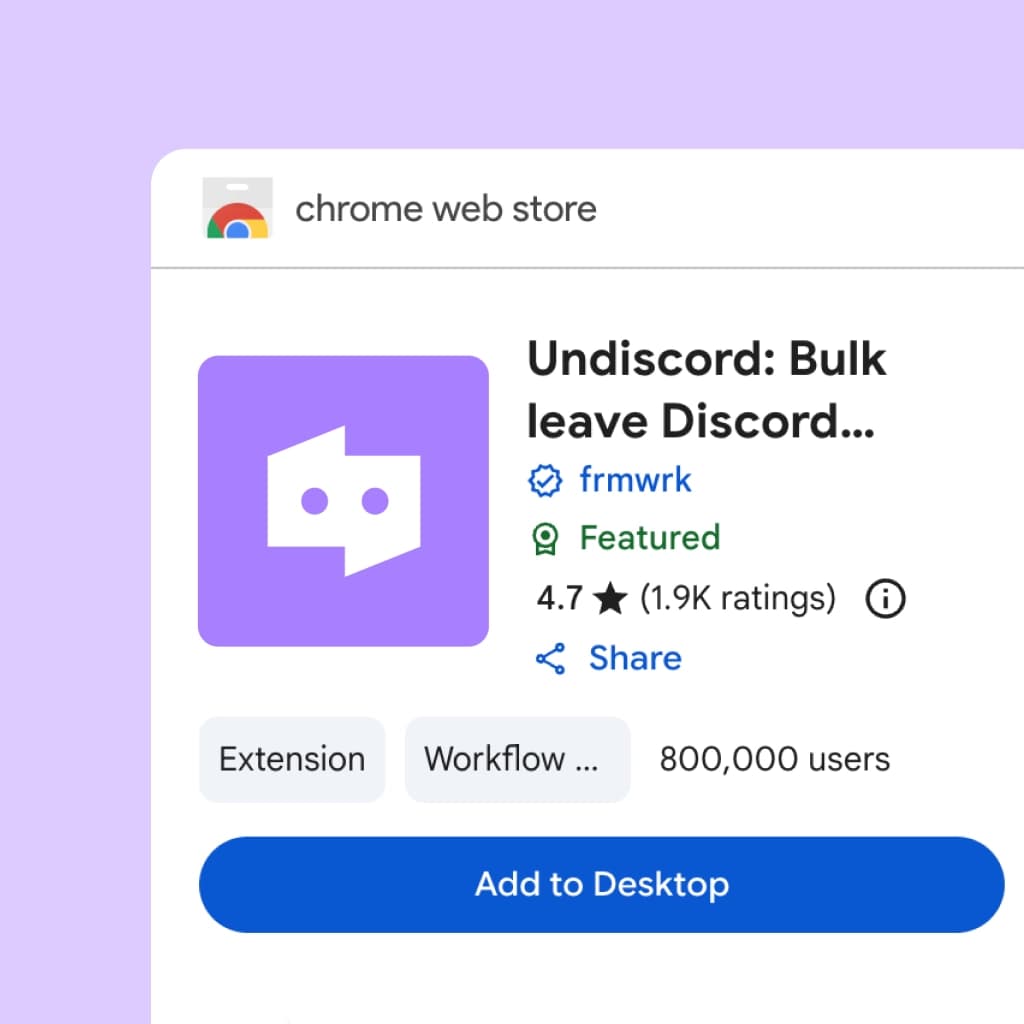
Step 1: Start by downloading the free Undiscord browser extension.
No sign in needed. Install the extension to get started.
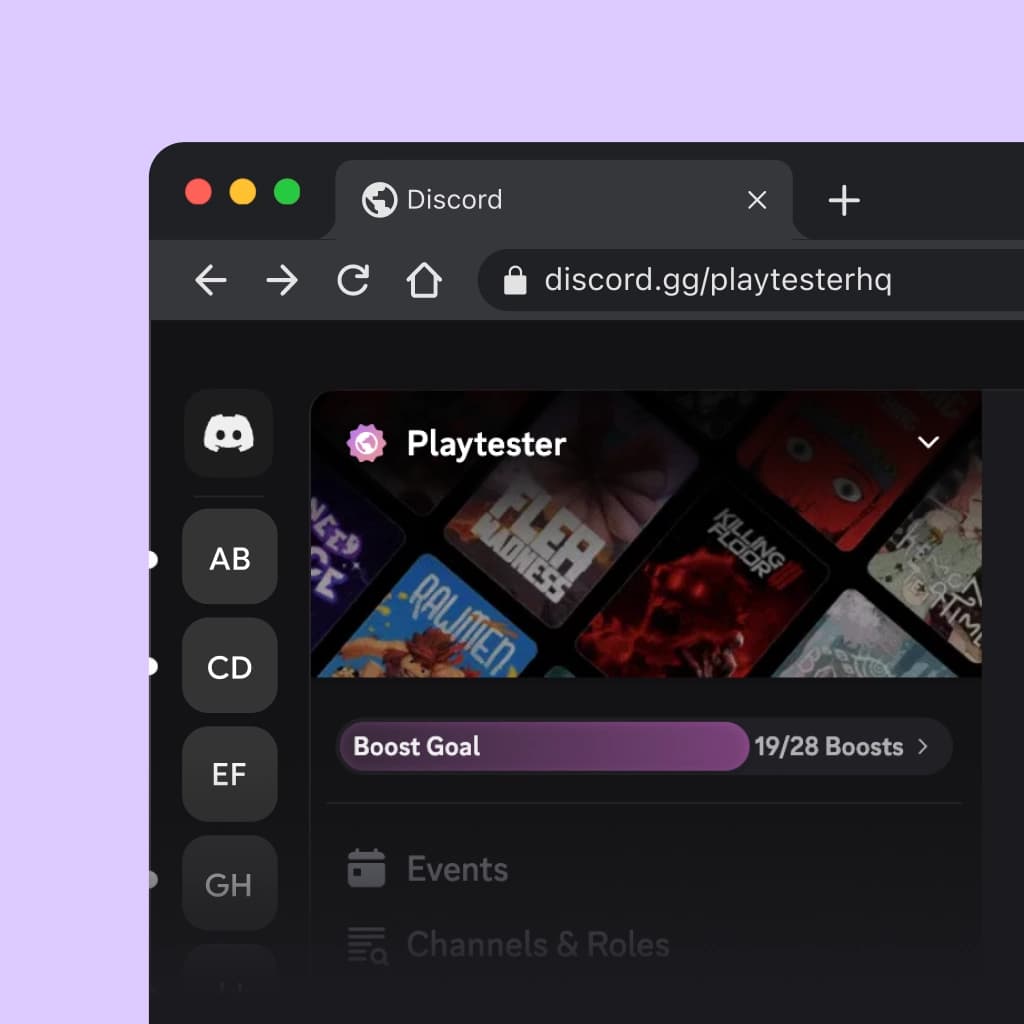
Step 2: Open Discord in your browser and run the plugin.
Open Discord in your browser and load your servers automatically.
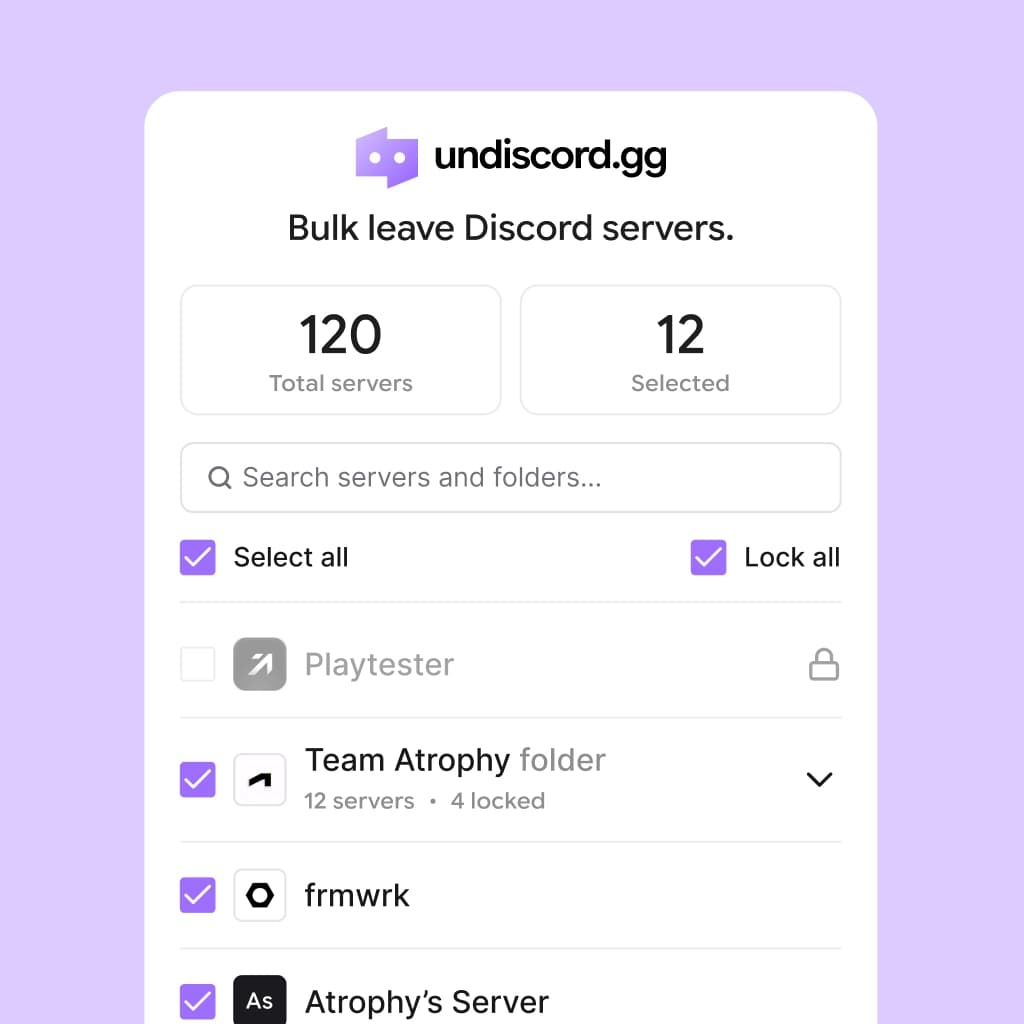
Step 3: Bulk select servers and press “Leave Servers”.
Lock servers, preview selections, and bulk leave safely.
Frequently asked questions.
Leave the noise behind.
Install the Undiscord browser extension today.